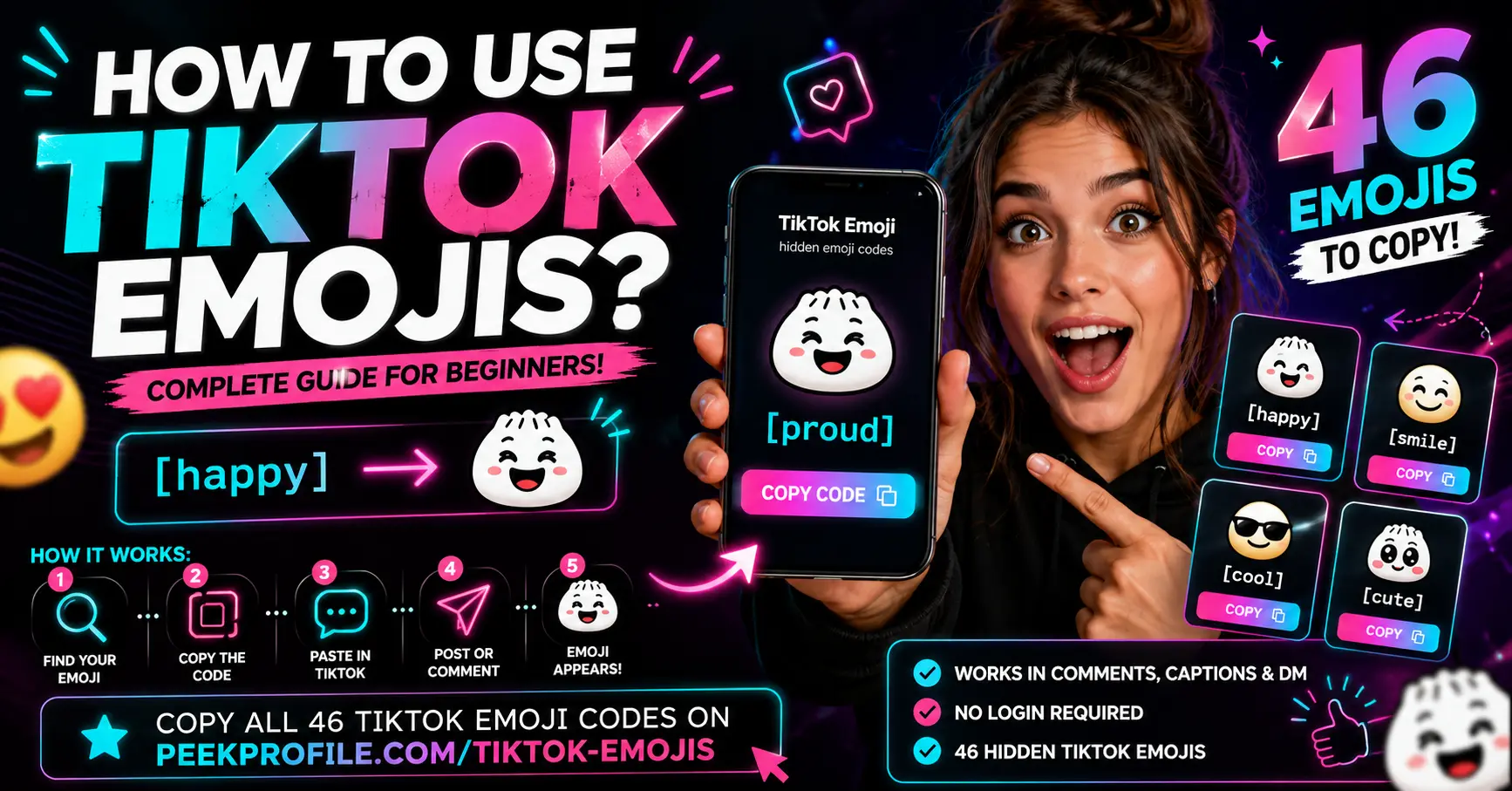
How to Use TikTok Emojis
In this guide
- What are TikTok emojis?
- How to use TikTok emojis
- Where do TikTok emojis work?
- Why are TikTok emojis different from normal emojis?
- How to copy TikTok emoji codes quickly
- Most popular TikTok emoji codes
- Frequently asked questions
What are TikTok emojis?
TikTok emojis are hidden built-in emojis that only appear when you type a supported shortcode inside TikTok.
For example, typing [happy] or [smile] does not stay as plain text after posting. TikTok automatically replaces the shortcode with its own custom emoji.
Unlike normal phone emojis, these special emojis are exclusive to TikTok and have their own unique style.
Currently, TikTok supports 46 hidden emoji codes, each representing a different emotion or reaction.
How to use TikTok emojis
Using TikTok emojis is easy.
- Open TikTok.
- Create a comment, caption, or message.
- Type a supported shortcode such as [happy].
- Publish your content.
- TikTok automatically replaces the code with the matching emoji.
If you're unsure which codes are available, visit PeekProfile TikTok Emojis to browse all supported emoji codes and copy them with one click.
Watch a helpful video about TikTok emojis
YouTube video URL: needs manual selection
Where do TikTok emojis work?
TikTok emoji codes generally work in places where TikTok supports text input.
Common examples include:
- Comments
- Video captions
- Replies
- Direct messages (where supported)
- Live chat (depending on TikTok features)
Availability may vary as TikTok updates its platform over time.
Why are TikTok emojis different from normal emojis?
Standard emojis come from your phone's keyboard and follow the Unicode standard.
TikTok emojis are different because they are built directly into TikTok.
Instead of selecting an emoji from your keyboard, you type a shortcode like [happy] and TikTok converts it into a custom emoji after posting.
This gives creators unique expressions that cannot always be copied outside TikTok.
How to copy TikTok emoji codes quickly
The easiest method is using PeekProfile TikTok Emojis.
The page includes:
- All 46 TikTok emojis
- One-click copy buttons
- Emoji meanings
- Shortcodes
- Search functionality
- Mobile-friendly design
Instead of memorizing every shortcode, you can simply copy the code and paste it into TikTok.
Most popular TikTok emoji codes
Some of the most commonly used TikTok emojis include:
- [happy]
- [smile]
- [hehe]
- [cry]
- [cute]
- [loveface]
- [cool]
- [laugh]
You can find the complete collection on the PeekProfile TikTok Emojis page.
Tips for using TikTok emojis
To get the best results:
- Copy the shortcode exactly.
- Include both square brackets.
- Don't add extra spaces.
- Use supported TikTok emoji codes only.
- Preview your post before publishing when possible.
Small formatting mistakes may prevent TikTok from converting the shortcode into the correct emoji.
Why use PeekProfile for TikTok emojis?
PeekProfile makes using TikTok emojis much easier.
Instead of searching multiple websites, you can access one organized page that contains every available TikTok emoji code.
The tool lets you quickly copy emoji shortcodes, learn their meanings, and discover new emojis without needing to remember every code manually.
Whether you're commenting, replying to friends, or creating content, the PeekProfile TikTok Emojis page saves time and helps you use TikTok emojis correctly.